
For drone pilots and property photographers
Drone photos in, property story out.
Deliver your projects better, faster, and in a way that your client never thought imaginable.
Real estate agent? Start here.
You already shot it. Now what?
Every row below is a job that used to eat an evening. Here is what happens instead.
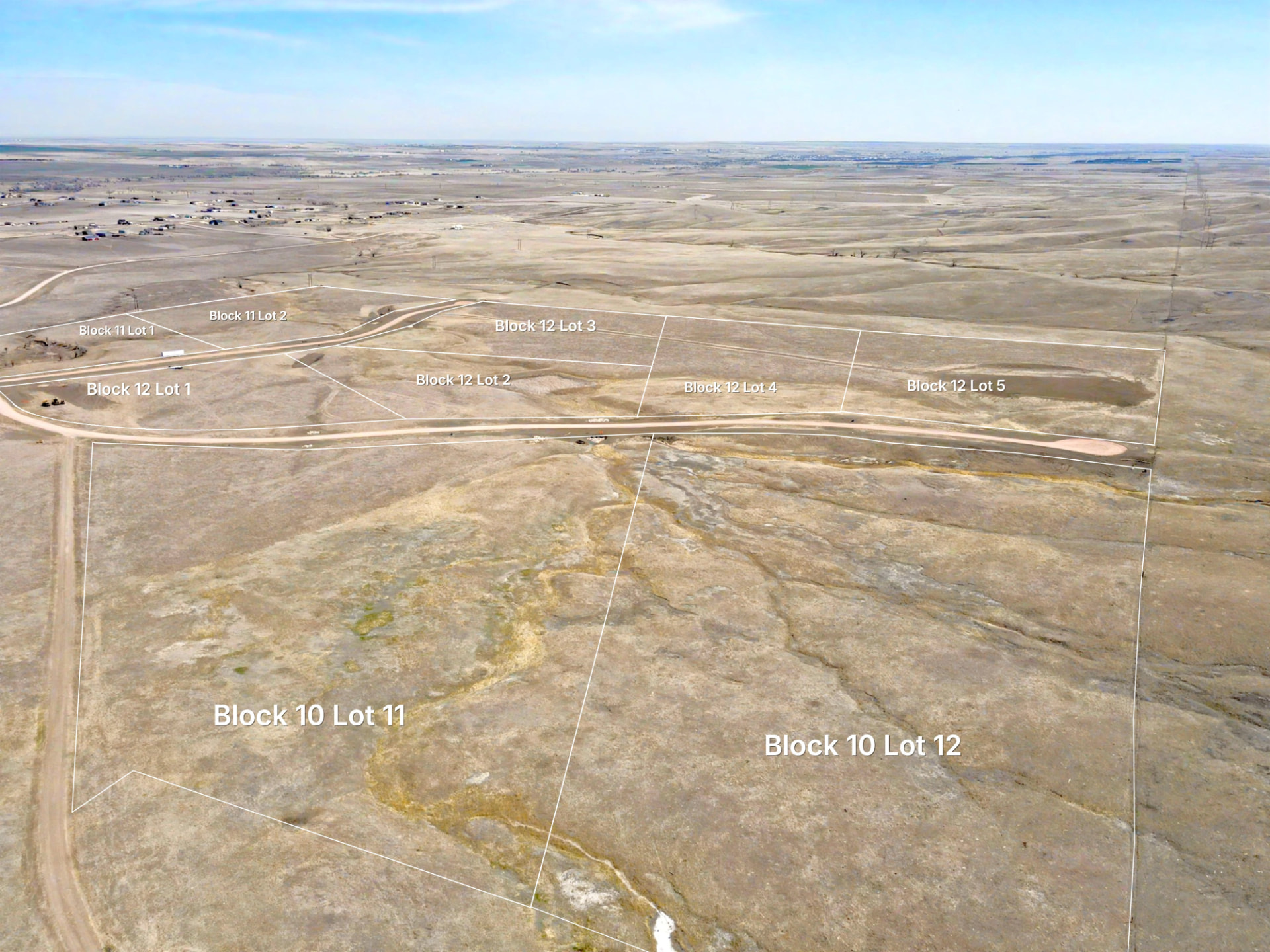
You shot a unique lot and have no idea how to show the approximate parcel boundaries.
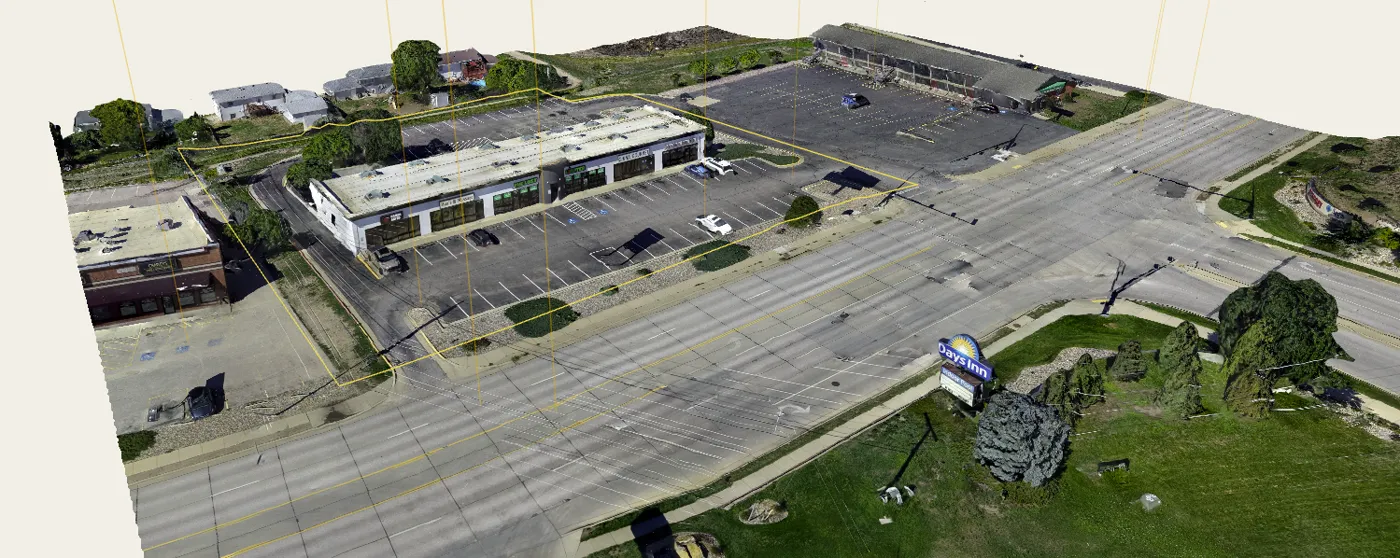
Pick the parcel once and its approximate boundary projects onto your photo, following the shape of the ground instead of floating over it.
Check it against the 3D-matched side-by-side view. Boundaries come from public parcel data, so they are an approximation, never a survey.
You shot a massive subdivision and cannot tell which lot is in which photo.
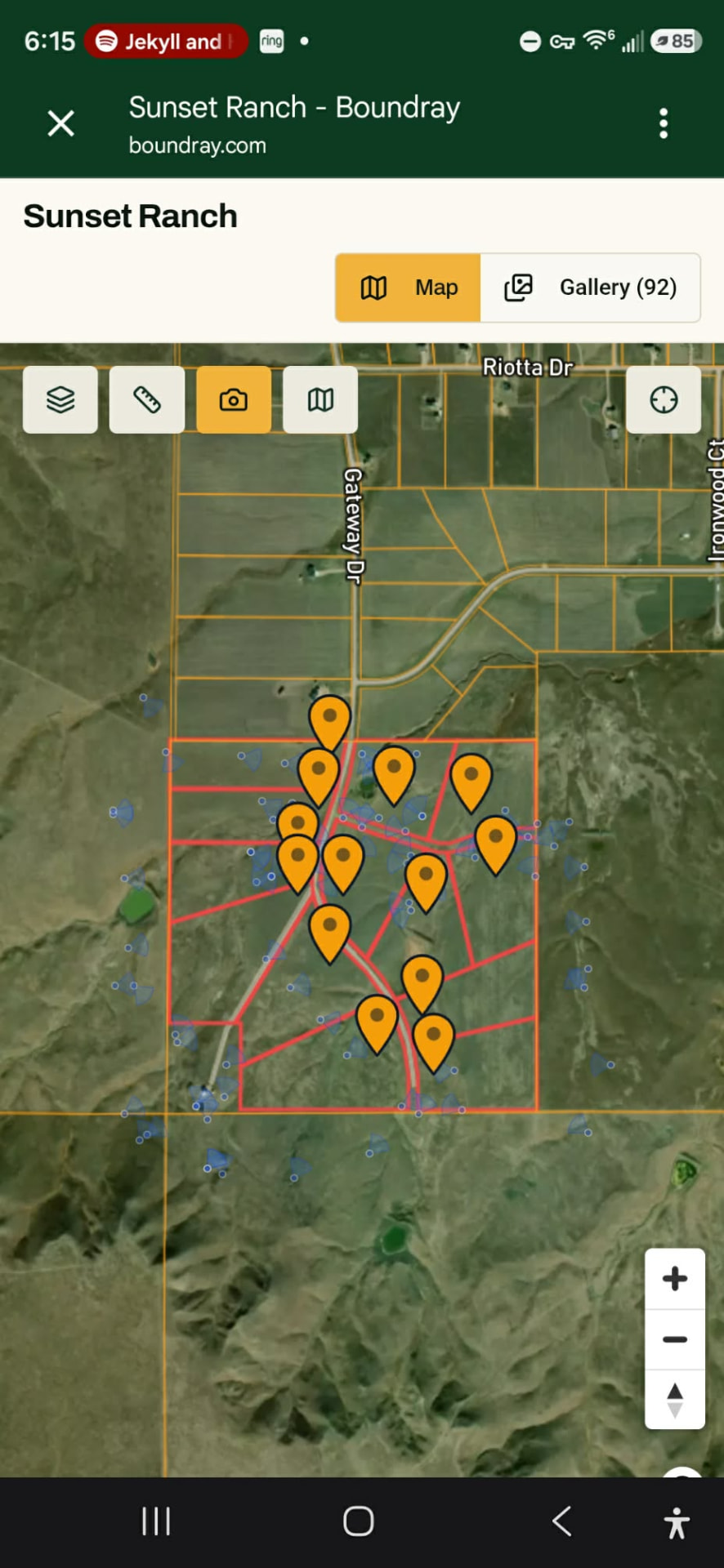
Map view puts every shot on the property where it was taken, with a cone showing which way the camera was pointing. Tap a corner of the land and you see exactly what you captured there.
Your client gets the same map. A developer walks it lot by lot without calling you.
You spend hours marking up photos.
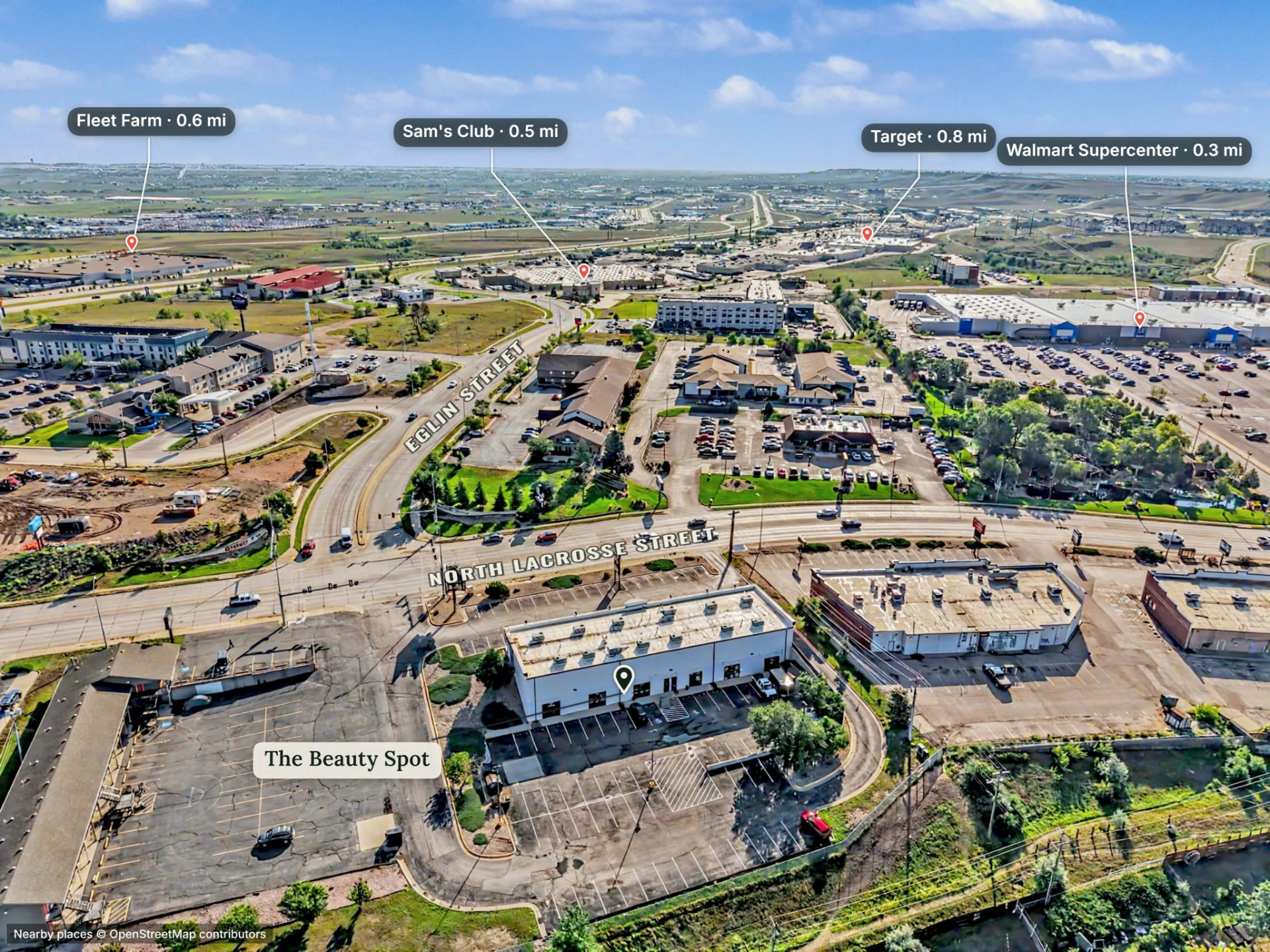
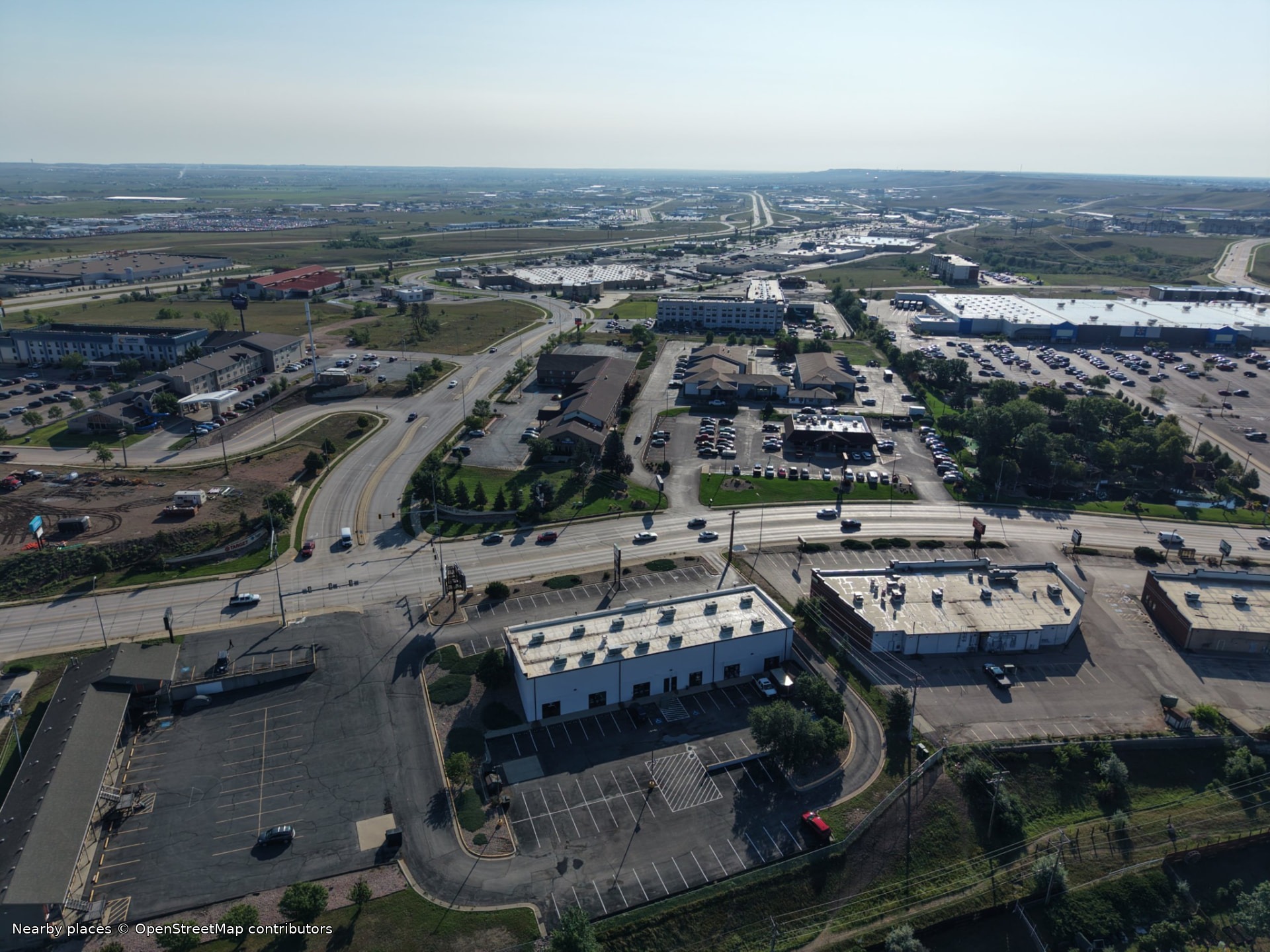
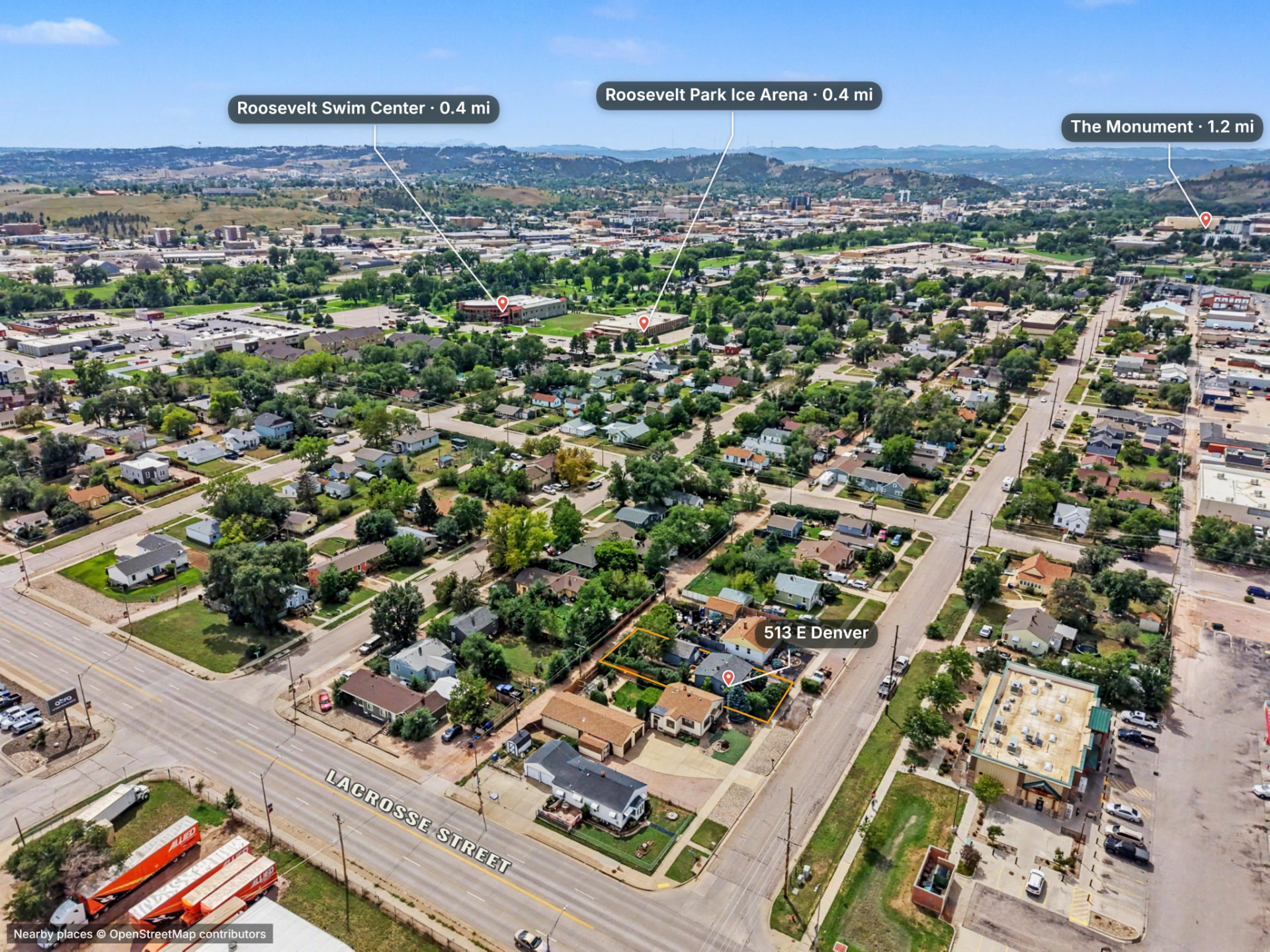
Epiloft reads the camera pose, finds real landmarks around the shot and drops labelled pins where they actually sit in the frame. Keep the ones that matter, restyle them, drag a label.
Add disclaimers, street names, approximate parcel boundaries, arrows, callouts, anything the photo needs to say. Place data from OpenStreetMap contributors.
Your client's deliverable is a zip file.
One link, branded as yours, opening on a phone. Finished photos with the approximate parcel boundary in place, the property map with every shot pinned, and a 3D view when you flew for one.
Nothing to download, nothing to install. Your logo, your name, your contact, and the original files still there when someone wants them.
Flying for more than photos
The 3D side of the job
The same aircraft you use for listing photos can produce a measurable model of a property.
3D mapping software costs $4,000 a year and assumes a GIS degree.
3D Studio gives you the mission planner, cloud processing, and delivery tools in one workflow, and we tell you exactly how to fly it: altitude, overlap, angle, pattern and photo count for each job type. Load the mission planner, pick the property, fly the plan.
Processing happens in the cloud and is billed per image with prepaid credits.
How many yards is your pad?
Measure volumes, areas, distances and slope on your own site and know your number before you bid. Save a takeoff PDF in your job file.
Relative measurements on ordinary drone GPS are good for planning and estimating. Tighter results take ground control. We will never call an Epiloft model a survey.
Your client shouldn't need $3,000 worth of software and a super computer to understand the value you bring.
Two products. Pick the one that matches the work.
Start free for 14 days on either. Up to 5 projects and 20 photos per project. Card on file, cancel any time before it converts.
Do you need to process 3D models and orthomosaic tiles?
Just delivering photos and maps? Photo Pro. Processing 3D models and orthos? 3D Studio.
Epiloft Photo Pro
Founding pricing$41/month, billed annually
Lock in this rate for as long as your subscription stays active. Prices will rise as the platform grows; founding members keep theirs.
The photo and map product, unlimited. Approximate parcel boundaries, pins, markup and branded share pages for every job you shoot.
- Unlimited projects
- Photo editor with terrain-aware approximate parcel boundaries
- Nearby-place pins, markup and map projects
- Publish photo and map share pages
- White-label pages and exports
- 250 GB storage
Annual works out to $492 a year.
Epiloft 3D Studio
Founding pricing$149/month, billed annually
Lock in this rate for as long as your subscription stays active. Prices will rise as the platform grows; founding members keep theirs.
Everything in Photo Pro, plus 3D models, orthomosaic tiles, planning measurements and the mission planner.
- Everything in Epiloft Photo Pro
- Cloud photogrammetry and the 3D model studio
- Publish 3D viewers and ortho tiles to share pages
- Cut/fill, volumes and takeoffs for planning and estimating
- For planning and estimating. Not a survey.
- Import models you built elsewhere
- Flight mission planner
- 500 GB storage
Annual works out to $1,788 a year. Cloud processing is billed separately with prepaid credits.
The trial takes a card and converts to the plan you chose ($41/mo Photo Pro or $149/mo 3D Studio, annual) on day 15 unless you cancel. Cloud 3D processing is always billed separately with prepaid credits.
Built by a working real estate broker, general contractor, and licensed drone pilot - because the existing tools weren't built for how this job actually works.
Boundaries shown are approximations derived from public GIS data, not a survey.